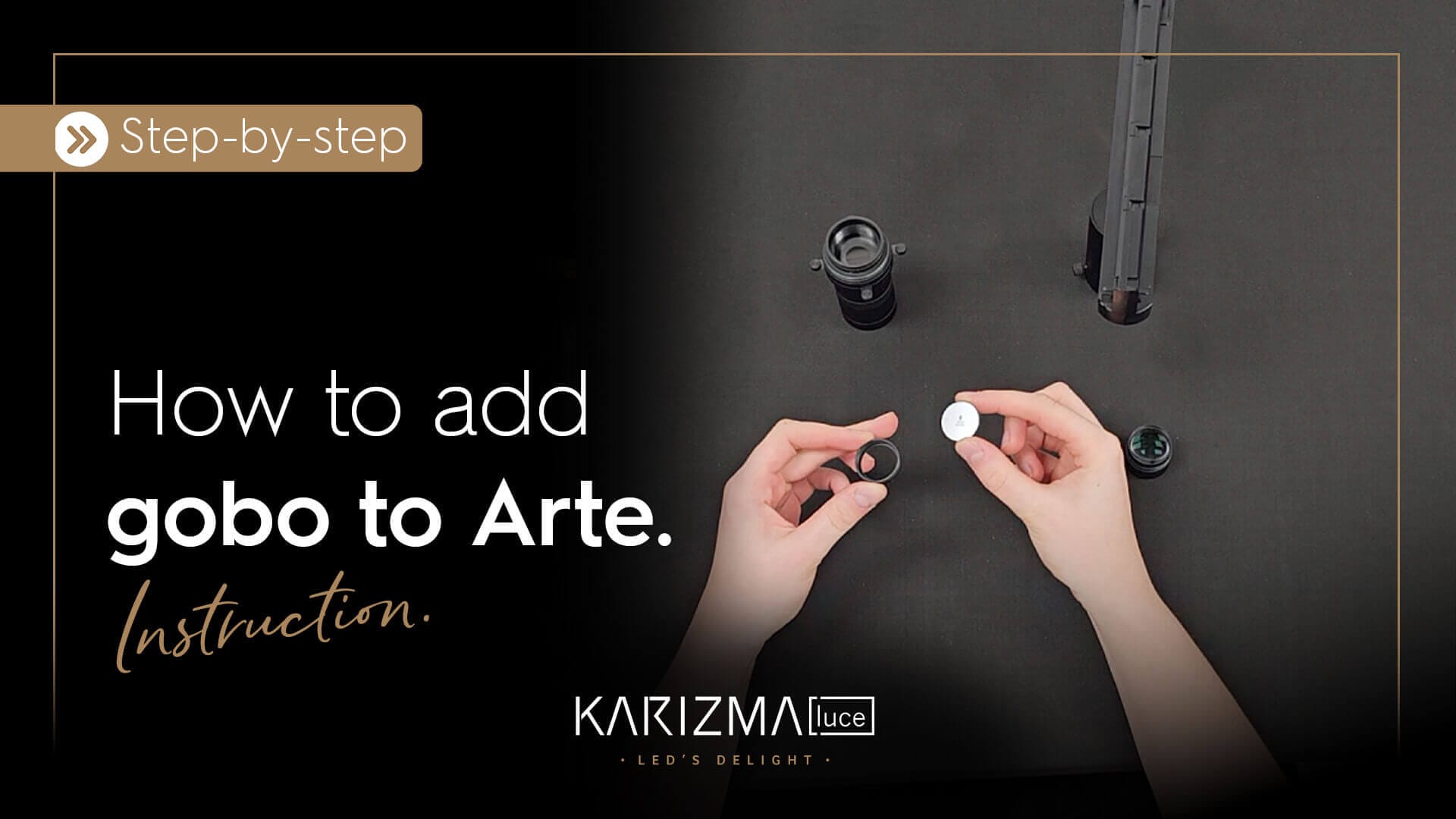
This instruction shows how to install a GOBO in Arte in seven simple steps. Karizma Luce’s Arte is a projection spotlight for 3-phase, 1-phase and 48V track systems. Arte can project logos, images, pictograms, or text with sharp precision using a gobo.
Instruction guide: how to install GOBO in Arte in 7 steps.
- First, unscrew the lens from the body.
- Next, remove the GOBO holder.
- Then, loosen the fixation ring inside the holder.
- Place the GOBO in the holder and secure it with the fixation ring.
- Make sure the black side of the GOBO faces outward when you place the ring back on the holder.
- After that, place the GOBO holder back into the lens.
- Finally, attach the lens back onto the luminaire body.
Led’s delight!
Beam shaping with framing blades.
Using Arte without gobo? The built-in framing blades let you shape the beam into a clean circle, a square, or a precise rectangle. This allows you to control light with clarity — ideal for framing objects or creating visual focus within a space.
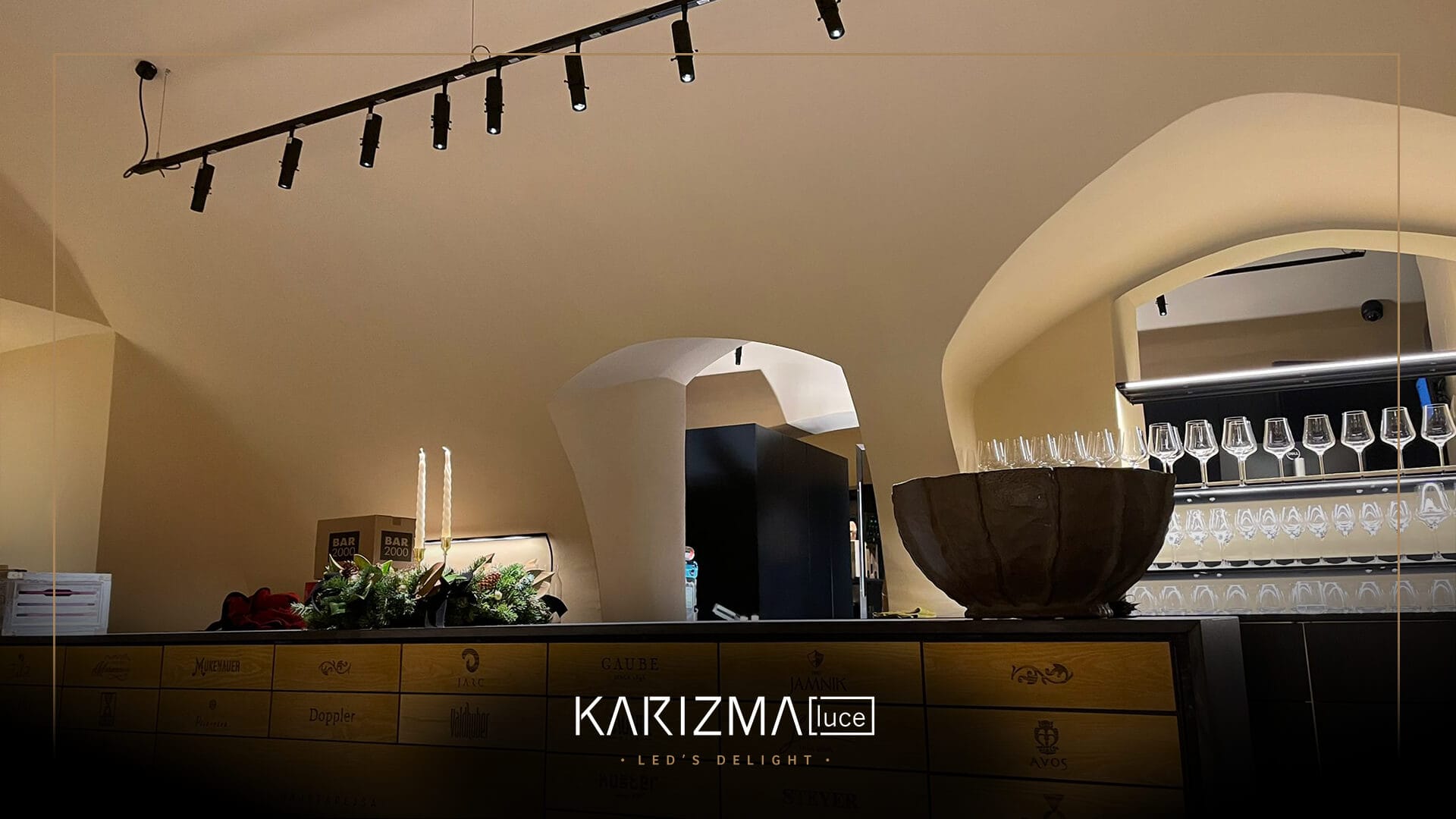
Arte delighting a project.
Curious about Arte in projects? Discover the blog about Arte lighting up the oldest grapevine.
Need support?
Need advice on how to install a GOBO in Arte or how to use Arte for beam shaping?
Our team is happy to support your project.
Led’s delight!